
💨 Razorwind is a unified set of tools that make creating design systems a breeze.
💻 Visit stormsoftware.com to stay up to date with this developer



Important
This repository, and the apps, libraries, and tools contained within, is still in it's initial development phase. As a result, bugs and issues are expected with it's usage. When the main development phase completes, a proper release will be performed, the packages will be available through NPM (and other distributions), and this message will be removed. However, in the meantime, please feel free to report any issues you may come across.
- Load and validate design tokens, components, icons, and fonts against the Razorwind schema.
- Configure one or more themed generation runs with
defineConfig. - Compose plugins that extract inputs and generate design-system artifacts, including CSS and documentation.
- Run the configured generation pipeline through the Razorwind CLI.
- Getting Started
- Usage
- Workspace Guide
- Testing
- ☁ Nx Cloud
- Roadmap
- Contributing
- Support
- License
- Contributors ✨
Razorwind requires Node.js >=26.3.0 and pnpm >=11.1.2. Install the core,
the generators you need, and the CLI from npm:
pnpm add -D @razorwind/core @razorwind/css @razorwind/cliMore information can be found in the Razorwind documentation.
Create razorwind.config.ts beside a tokens.json file and list the plugins
that should generate artifacts from those tokens:
import { defineConfig } from "@razorwind/core"
import css from "@razorwind/css/generate"

export default defineConfig({
  plugins: [css()]
})
Run the generator from the project containing the configuration:
pnpm exec razorwind generateSee individual package READMEs for generator-specific options and output formats.
If you run into any issues while trying to run any of the above steps, please reach out to Patrick Sullivan. See the Support section for more information.
Run pnpm build to bootstrap and build the workspace packages in production
mode. Use pnpm build-dev for a development-mode build.
Razorwind is a package workspace, not an application with a root development
server. Use pnpm nx show projects to find a package and run its available Nx
targets, such as pnpm nx test core.
Razorwind uses pnpm workspaces and Nx. Run pnpm nx show projects to list
workspace projects, or pnpm graph to inspect their dependencies.
Package unit tests use Vitest through Nx targets.
Run a package's tests with pnpm nx test <project>. For example:
pnpm nx test coreThe root workspace does not currently define an end-to-end test target.
Run pnpm graph to see a diagram of the dependencies of the Razorwind
projects.
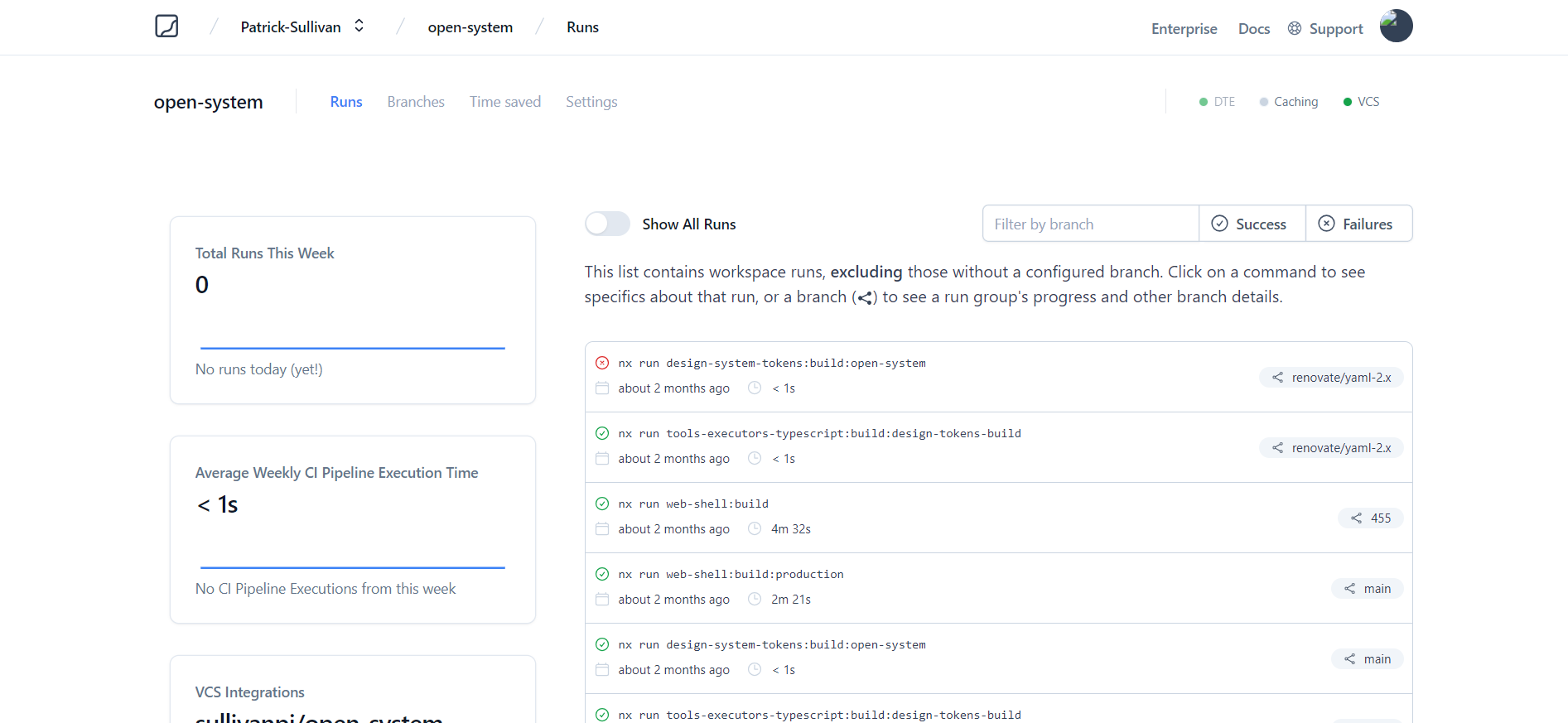
Nx caches the output of any previously run command such as testing and building, so it can replay the cached results instead of rerunning it. Nx Cloud allows you to share the computation cache across everyone in your team and CI.
See the open issues for a list of proposed features (and known issues).
- Top Feature Requests (Add your votes using the 👍 reaction)
- Top Bugs (Add your votes using the 👍 reaction)
- Newest Bugs
First off, thanks for taking the time to contribute! Contributions are what makes the open-source community such an amazing place to learn, inspire, and create. Any contributions you make will benefit everybody else and are greatly appreciated.
To contribute from source, clone the repository and install its workspace dependencies, then use the root scripts for workspace checks:
git clone https://github.com/storm-software/razorwind.git
cd razorwind
pnpm install
pnpm build
pnpm typecheck
pnpm nx test <project>
Use pnpm nx show projects to select a package. Do not rely on the root
pnpm lint script for validation: its lint commands are currently disabled.
Please try to create bug reports that are:
- Reproducible. Include steps to reproduce the problem.
- Specific. Include as much detail as possible: which version, what environment, etc.
- Unique. Do not duplicate existing opened issues.
- Scoped to a Single Bug. One bug per report.
Please adhere to this project's code of conduct.
You can use markdownlint-cli to check for common markdown style inconsistency.
Reach out to the maintainer at one of the following places:
This project is licensed under the Apache License 2.0. Feel free to edit and distribute this template as you like. If you have any specific questions, please reach out to the Storm Software development team.
See LICENSE for more information.
Thanks goes to these wonderful people (emoji key):
 Patrick Sullivan 🎨 💻 🔧 📖 |
 Tyler Benning 🎨 |
 Stormie 🚧 |
||||
 Add your contributions
|
||||||
This project follows the all-contributors specification. Contributions of any kind welcome!

Storm Software is an open source software development organization and creator of Acidic, StormStack and StormCloud.
Our mission is to make software development more accessible. Our ideal future is one where anyone can create software without years of prior development experience serving as a barrier to entry. We hope to achieve this via LLMs, Generative AI, and intuitive, high-level data modeling/programming languages.
Join us on Discord to chat with the team, receive release notifications, ask questions, and get involved.
If this sounds interesting, and you would like to help us in creating the next generation of development tools, please reach out on our website or join our Slack channel! If you plan on publishing content that incorporates the Storm Software brand in anyway, please take a quick look at our brand guidelines.