
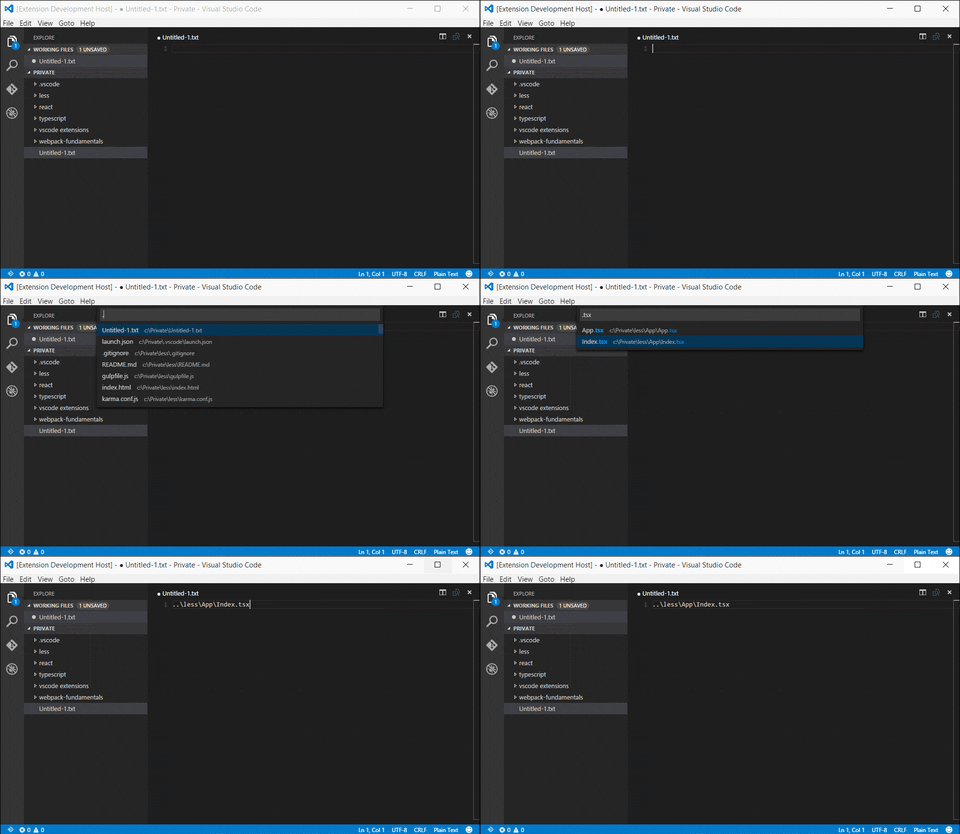
Now you can get the relative path to any file in the workspace.
Just press Ctrl+Shift+H (Mac: Cmd+Shift+H) and select a file.
Alternatively, you can press open command palette F1 and search for Relative Path.

First, you will need to install Visual Studio Code 0.10. In the command palette (Ctrl-Shift-P or Cmd-Shift-P) select Install Extension and choose RelativePath.
Your workspace may be really big, so please wait for the initial file list to be created. This will happen only once.
The following Visual Studio Code setting is available for the RelativePath extension. It can be set in user preferences (ctrl+, or cmd+,) or workspace settings (.vscode/settings.json).
{
	"relativePath.ignore": ["**/node_modules/**","**/*.dll"]
}
Report them here.