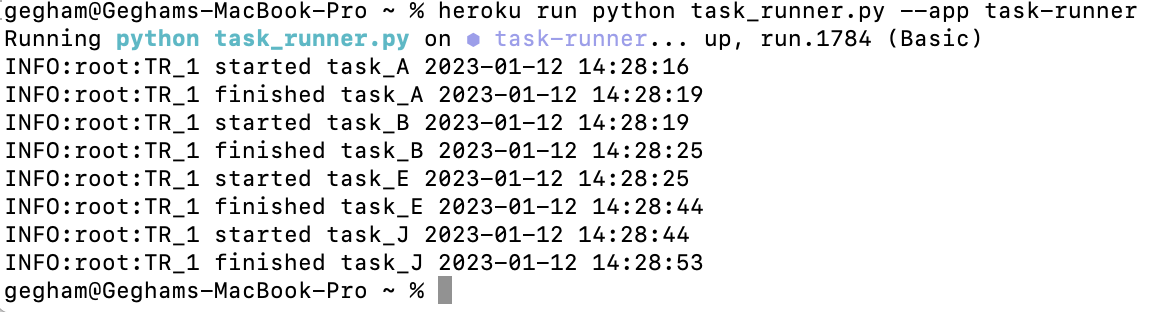
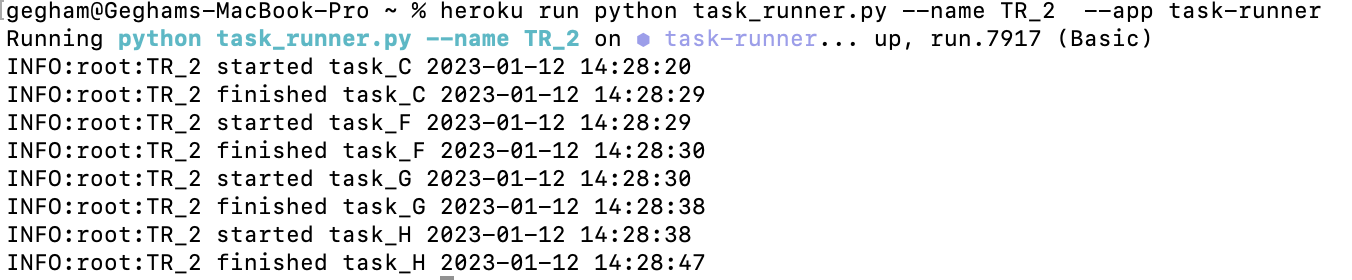
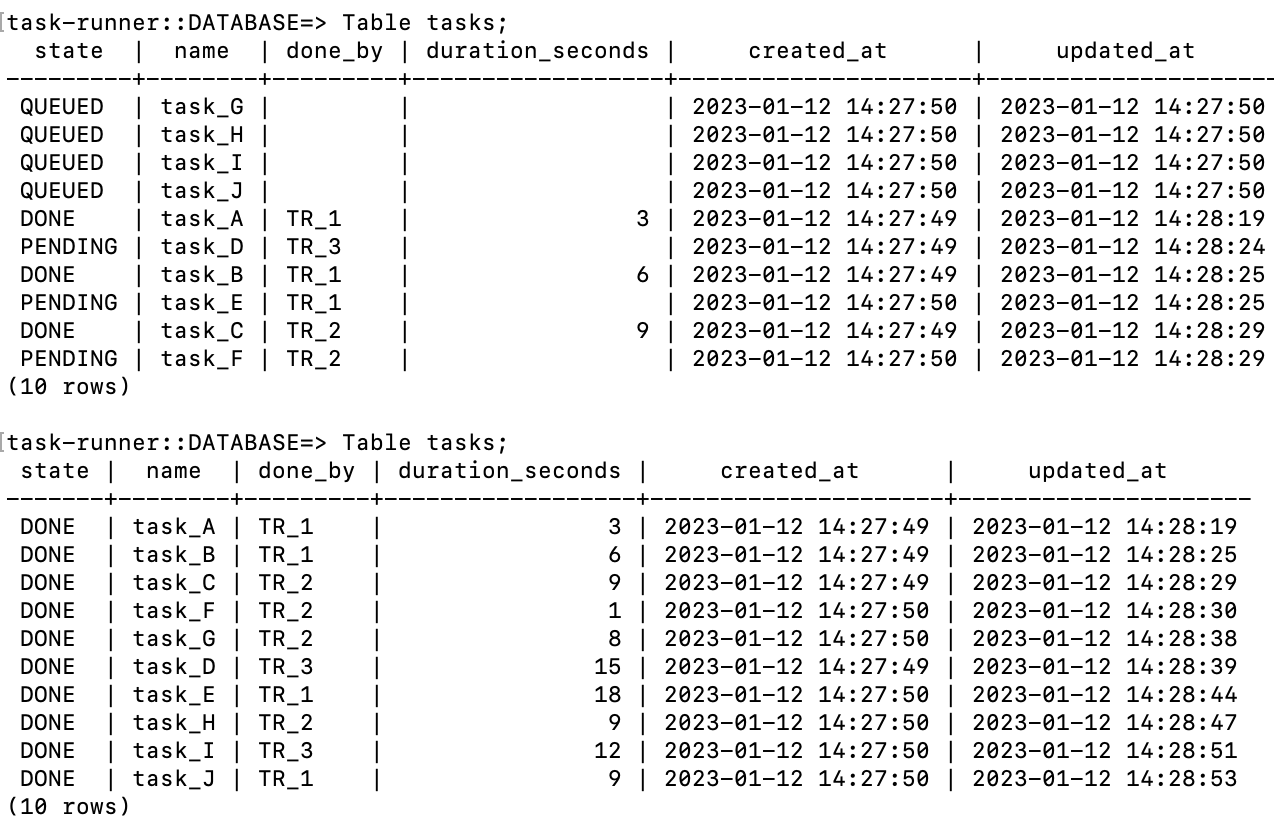
Implemented task_runner that connects to the postgres DB and performs some tasks.
create_tasks.py creates tasks table in postgresql DB in Heroku and populates it with 10 tasks in the state of "QUEUED"
task_runner.py connects to the postgres DB and processes "QUEUED" tasks
Flask, Flask-SQLALchemy, psycopg2
Connect to Heroku app task-runner by invitation email.
Download Heroku Connect CLI.
If you want to create a new tasks table with 10 tasks run
heroku run python create_tasks.py --app task-runnerTo create a task runner and process the tasks run
heroku run python task_runner.py --name <name> --app task-runnerNote if no name argument is specified the task runner's name will be "TR_1" by default.
To create multiple task runners just run the command above in multiple terminals and provide unique names for each task runner.
To insert task manually in the tasks first run
heroku pg:psql --app task-runnerThen run the following command with your desired values in the following format
INSERT INTO tasks(state, name, done_by, duration_seconds, created_at, updated_at) VALUES('QUEUED', 'task_Y',null ,null, 'December 12, 2022 2:02:13am','December 12, 2022 2:02:13am');NOTE: All dates and times in the database are in utc time zone.